I/O Digital Project
After several days of experimenting with ideas using Arduino, I created a project that allows the user to control a visual in TouchDesigner with a button. I also made a small speaker play a sound when the button is pressed.
I immediately knew that I wanted to do something with a speaker in my circuit. To start, I followed the Tone Output Lab to learn how to connect a speaker to my breadboard. I combined the tone output code with the button counter code that we built in class. This gave me an Arduino program that played a tone and counted button presses.
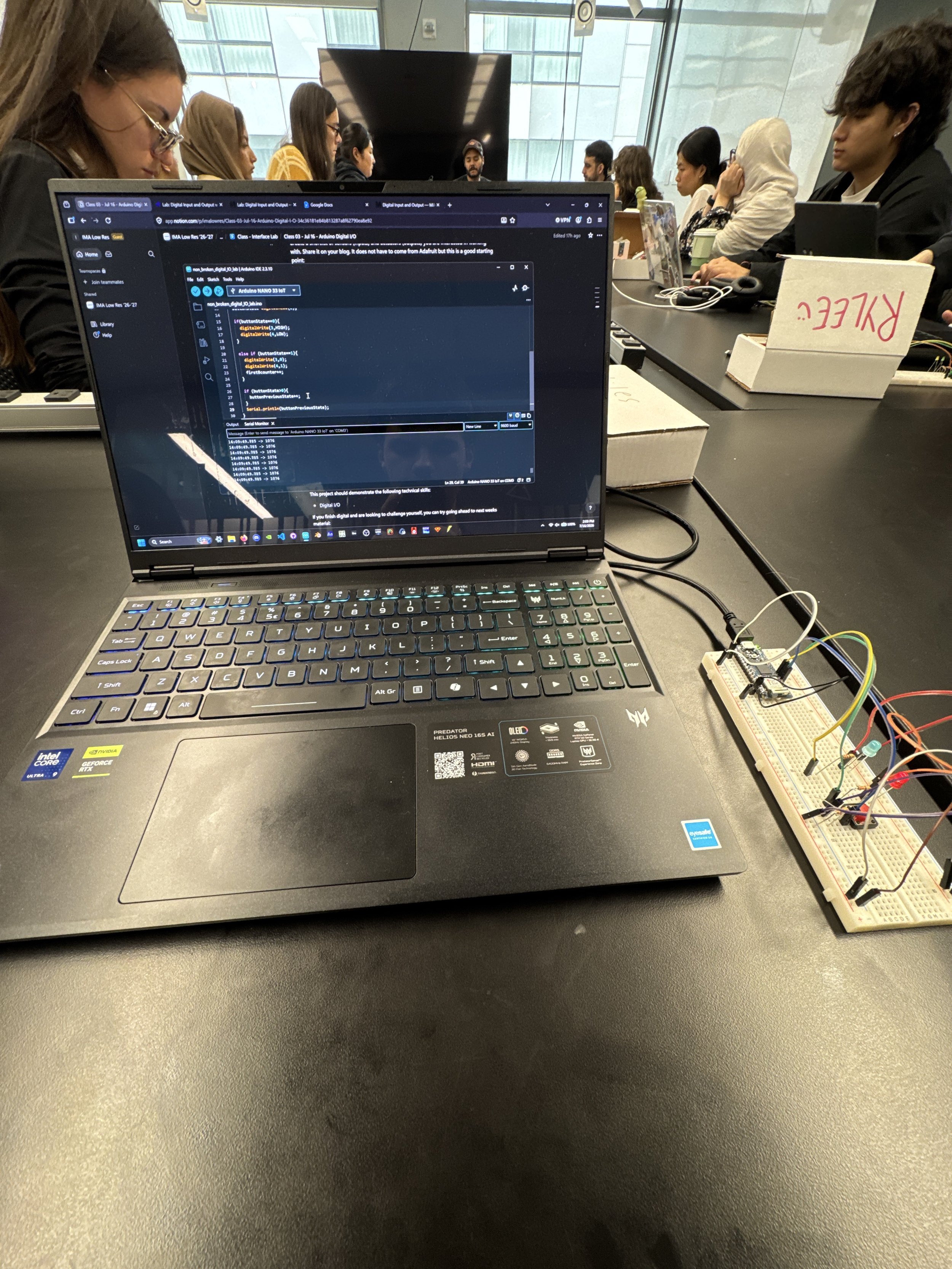
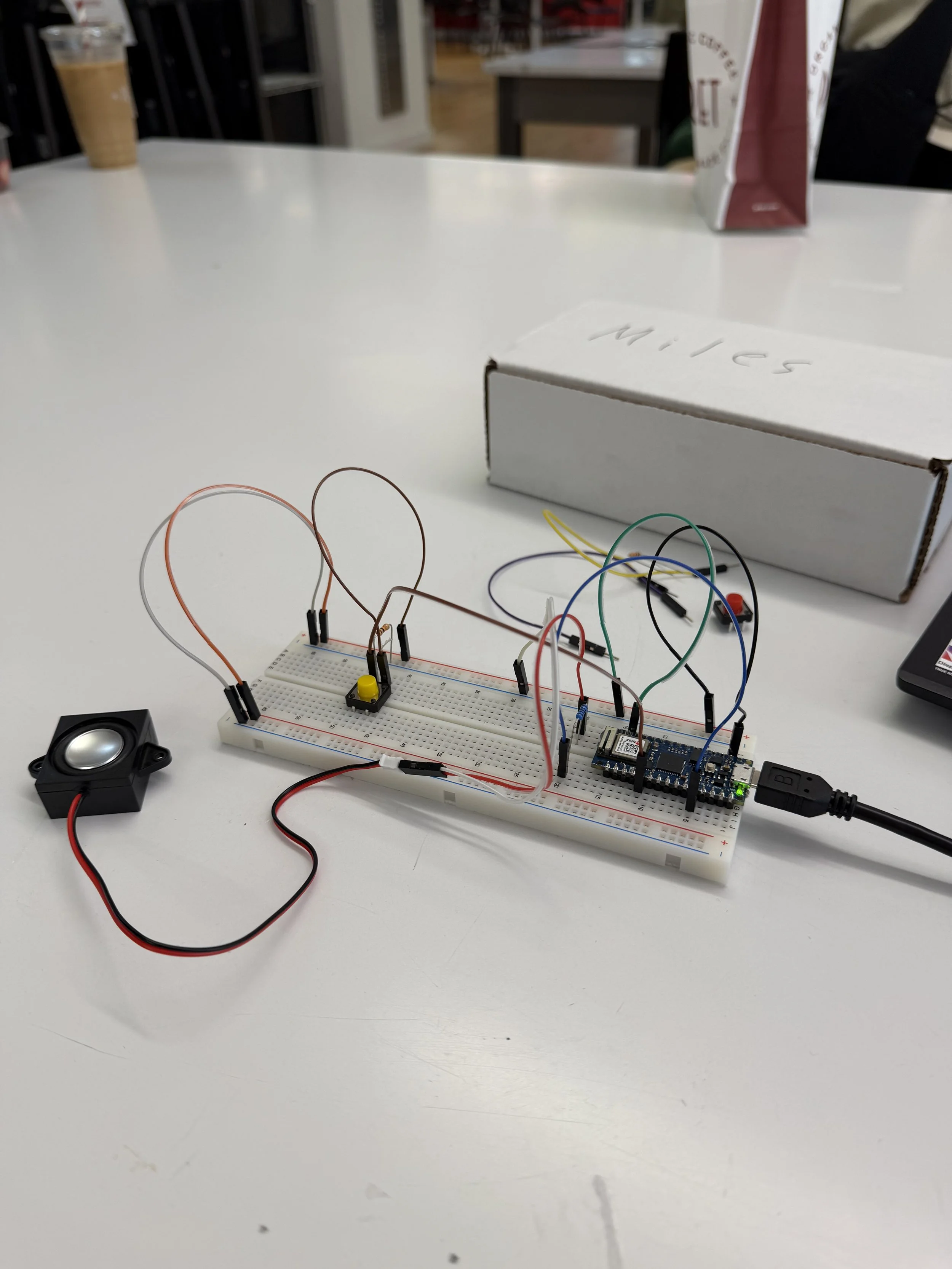
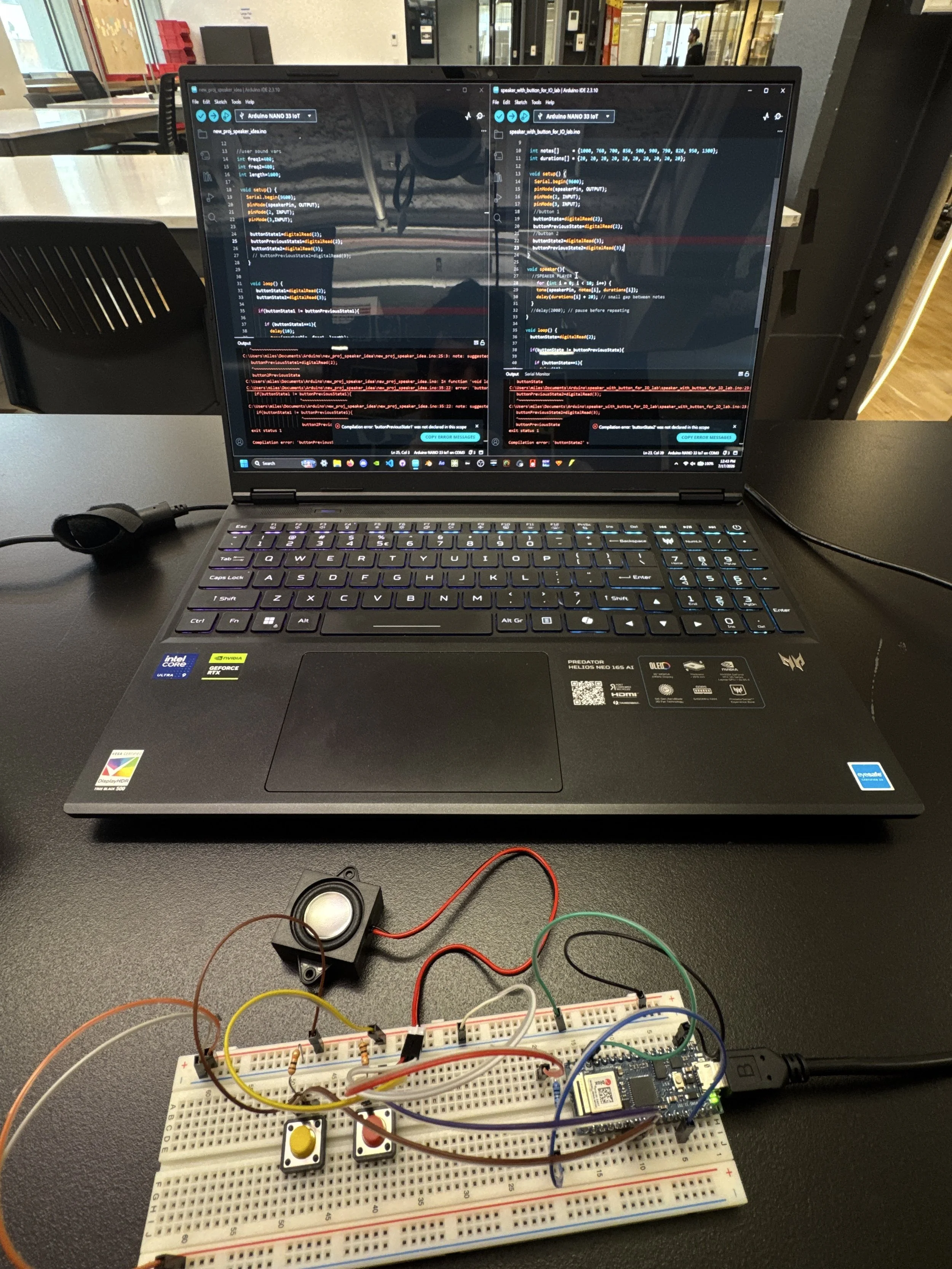
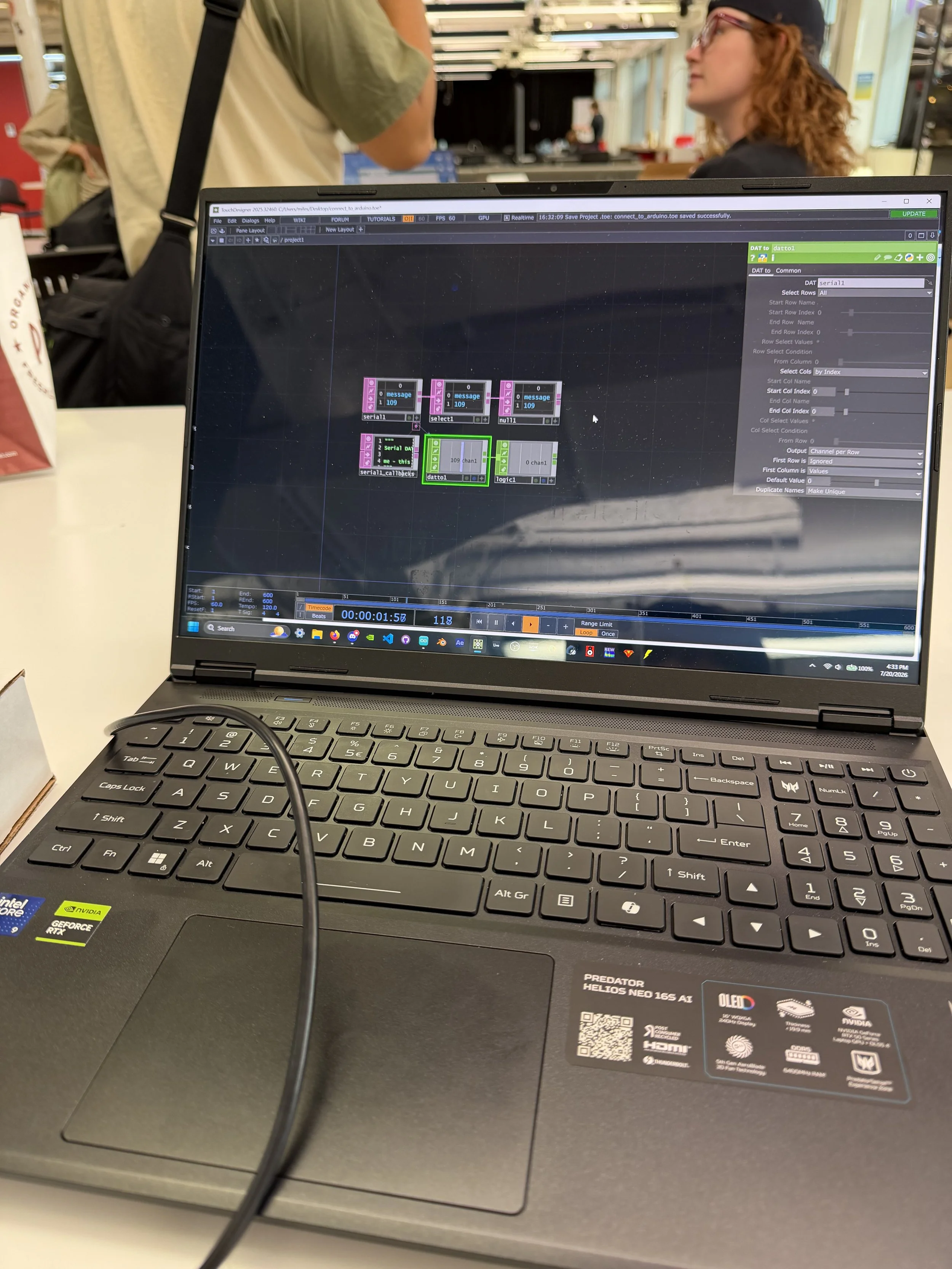
From there, Daniel shared with me a guide on how to connect Arduino to TouchDesigner, so I developed a visual that I can manipulate through the press of a button.
In TouchDesigner, each button press cycles a Count CHOP through the numbers 0 to 2. These numbers cycle through a Switch CHOP with three Constant CHOPs containing position data for my sphere geometry. The noise texture on the sphere is also used to instance the line geometries sprinkled around the render. In the bottom right corner, a camera shows what it looks like inside the sphere.
Getting messages from the Arduino IDE into TouchDesigner was a messy process, but now that I understand how, I feel like I’ve just unlocked a new world of abilities; asides from cameras, MIDI controllers, and projectors, I have never paired TouchDesigner with physical hardware.